
Multifunction Plotters (MFP) for Construction & Engineering
Best-Selling HP DesignJet MFP Plotters for Malaysia's Architects and Engineers
All-in-One Scan, Print & Copy Solutions. Integrated capabilities for architects, engineers, and construction teams requiring comprehensive document management.
Supporting Malaysia's Go Green Digital Transformation: Malaysian authorities are encouraging soft copy submissions to minimize paper waste. HP MFP solutions enable efficient digitization, cutting ink/paper waste while meeting requirements for DBKL, JKR, and local authorities.
All-in-One Productivity
Why Choose MFP?
Integrated scanning and copying streamline workflows. Digitize legacy drawings, enable scan-to-email/cloud collaboration, and reduce equipment footprint with a single device.
Click to explore features, applications, and available models.
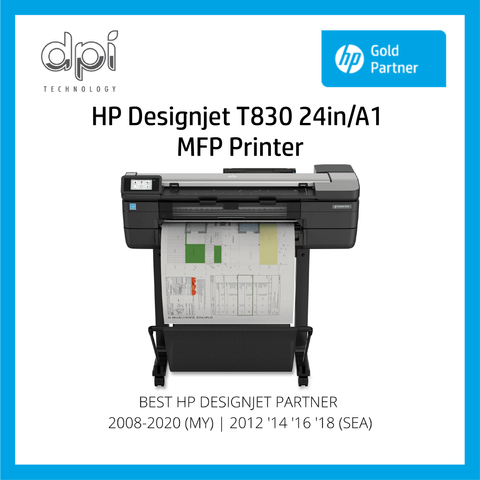
HP DesignJet MFP Plotters
Browse our complete range of HP DesignJet multifunction plotters for Malaysian AEC professionals.
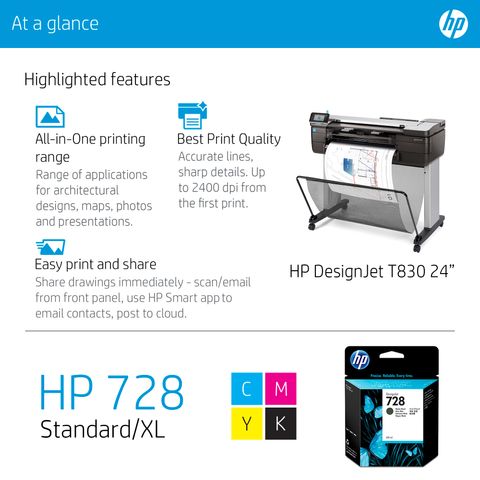
Best-seller. A1 multifunction. Affordable, space-saving. Ideal for small-medium practices.
Learn More →A0 with water-resistant ink. Durable prints for site offices. Robust scanning.
Learn More →High-speed A0. Reprint memory. Fast scanning for busy engineering offices.
Learn More →Production-grade dual-roll. Auto sheet feeder. Ultimate productivity for large firms.
Learn More →Selection Guide
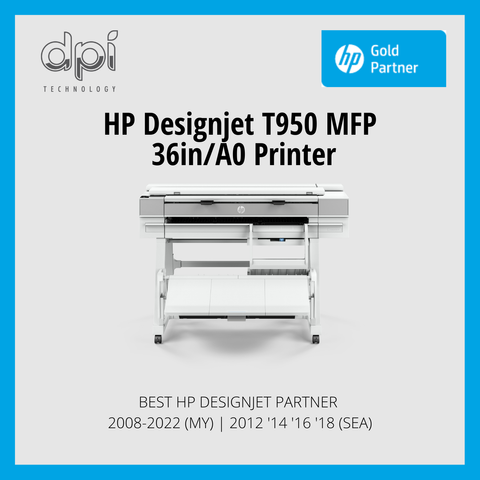
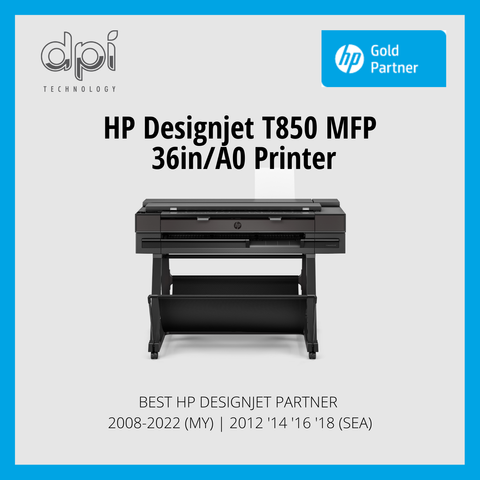
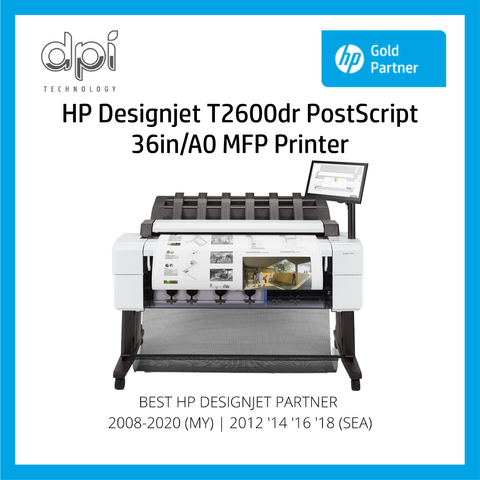
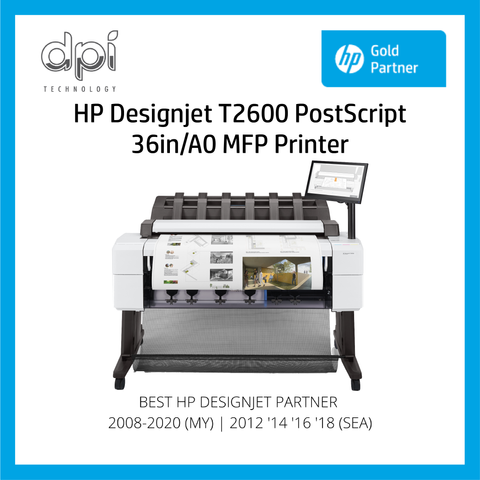
T830: Small/Medium firms. T850: Site offices (durable ink). T950: High speed/volume. T2600: Production/Large firms.
Free delivery/install (Peninsular), calibration, network setup, HP Click, training, warranty. Optional extended warranty available.
Clean glass weekly, calibrate monthly, use clean drawings. Regular maintenance ensures high-quality scans.
Integrated MFP Capabilities
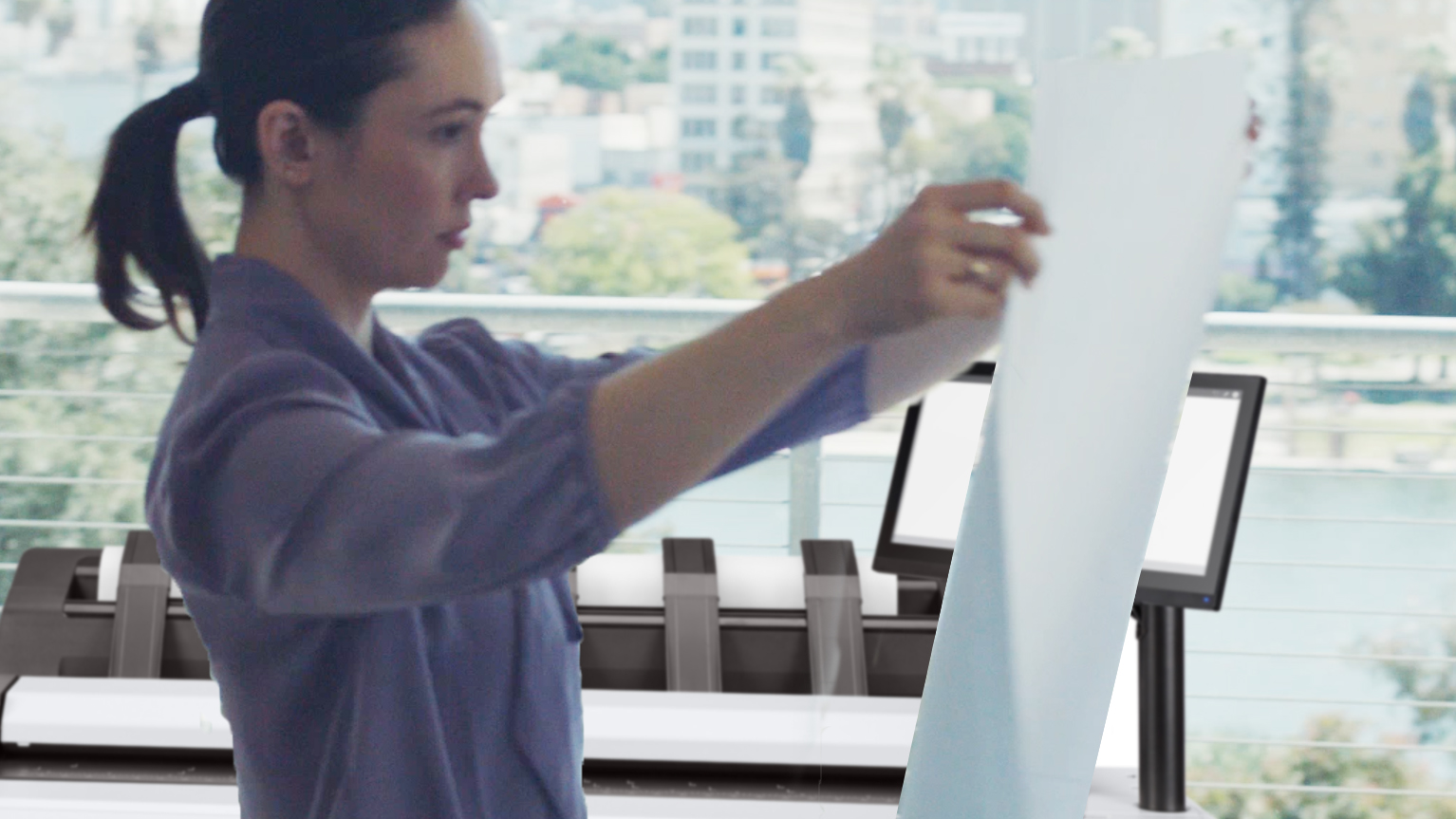
UP TO A0. Scan old blueprints and vellum tracings. Convert physical archives into searchable digital files for preservation.
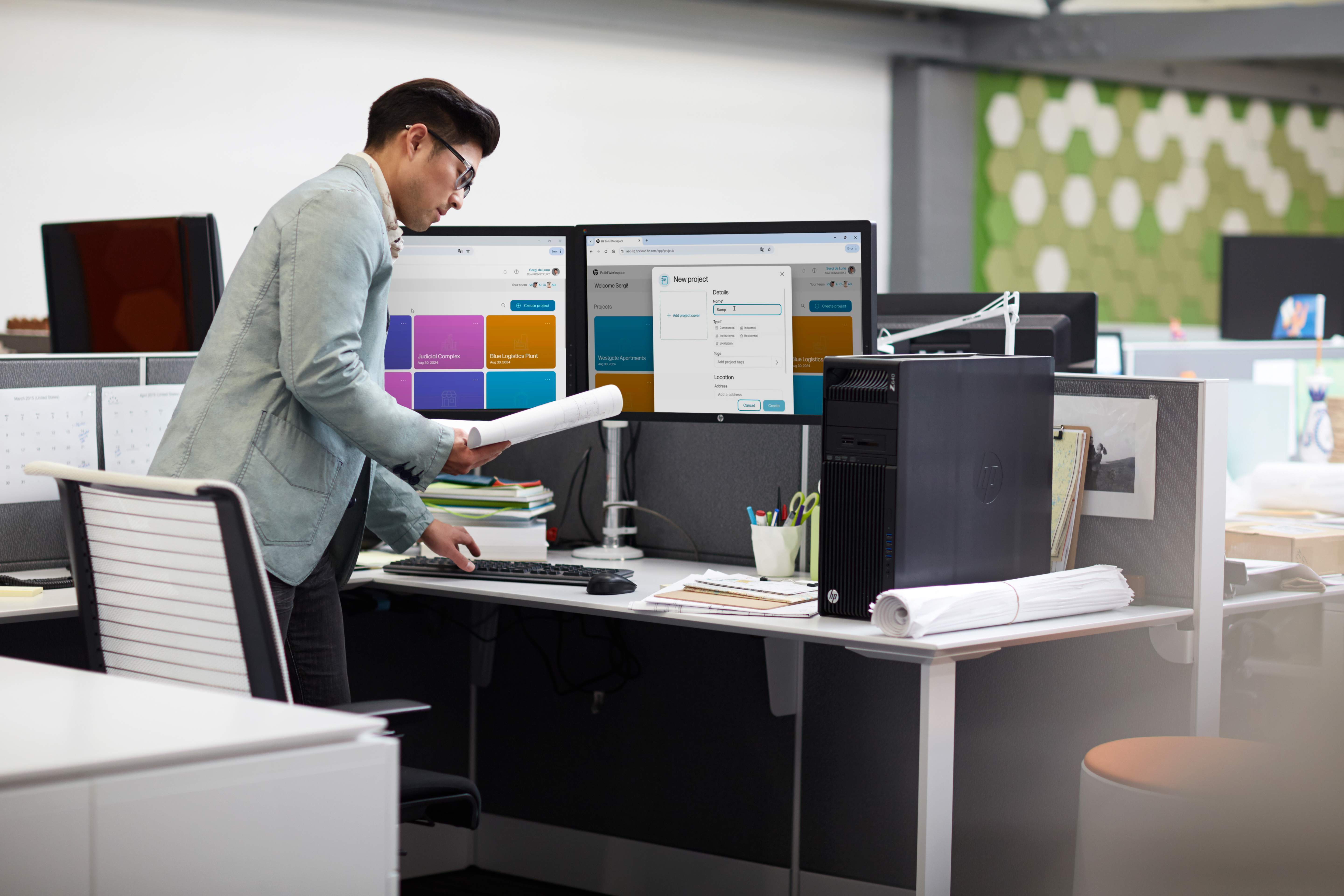
CLOUD READY. Share drawings instantly via Dropbox, Google Drive, or OneDrive.
1-TOUCH COPY. Streamlines site documentation and RFI responses instantly. Perfect for copying marked-up drawings.
HIGH ROI. Eliminate separate scanners. One device saves costs and office space. Single maintenance contract.
Support Go Green initiatives. Enable soft copy submissions to DBKL, JKR, minimizing physical prints and storage.
Build searchable digital archives. Scan directly to network folders. Create PDF files with OCR for text searchability.
Why Choose MFP?
Eliminates separate scanner, enables 1-touch copy, instant digital sharing, legacy digitization. Essential for firms working with existing paper drawings.
Enables PDF soft copy submissions to authorities, reducing paper/ink waste. Supports digital archiving instead of physical storage.
Color/mono scanning up to A0, adjustable resolution (600 dpi), scan-to-email/USB/network/cloud, multi-page PDF, OCR (select models).
MFP Plotter Applications

Industry Use Cases
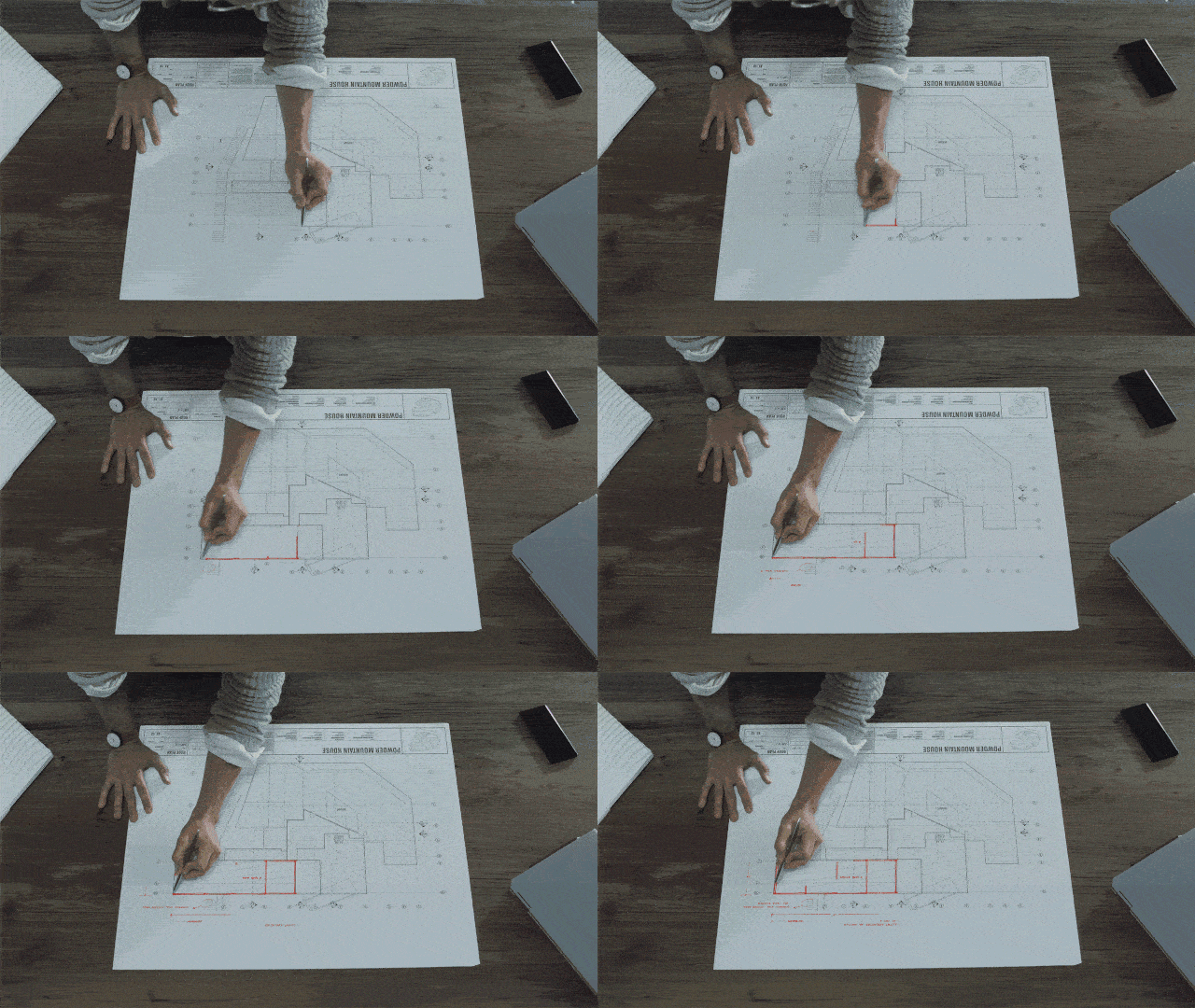
Digitize historical archives, scan consultant drawings, copy markups, build digital libraries. Essential for paperless transition.
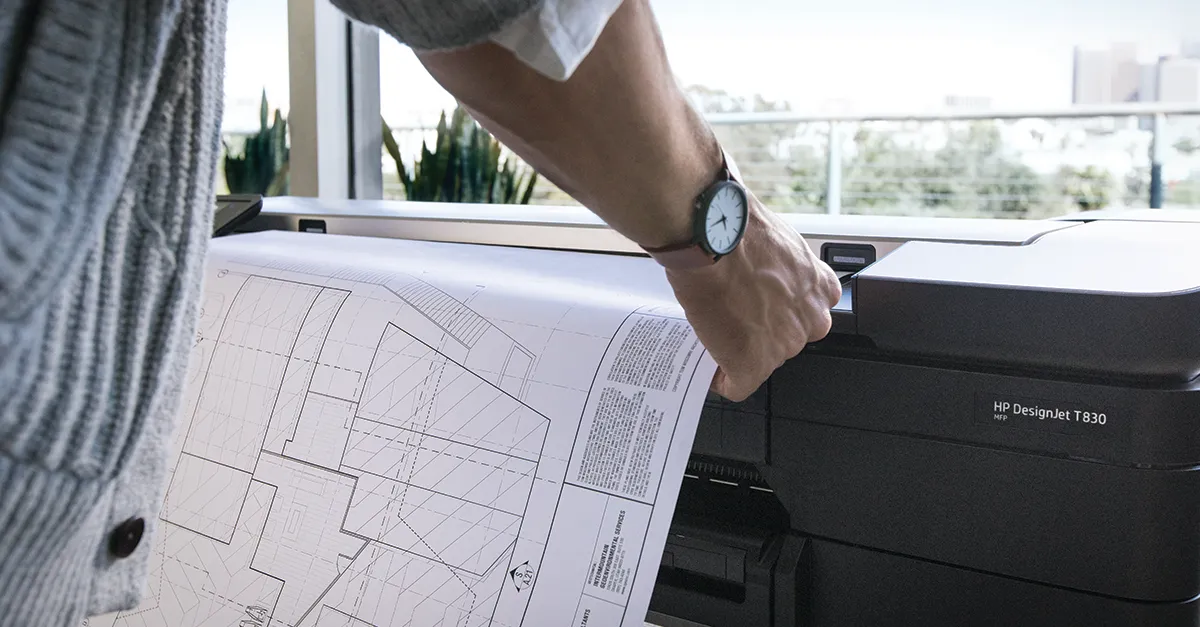
Scan site drawings for coordination, copy contractor shop drawings, digitize as-builts. Streamlines collaboration.
Copy marked-up drawings at site, scan RFI docs to email, digitize signed shop drawings. Complete management for site offices.
Digitize infrastructure archives, scan submissions for digital approval, build searchable records. Critical for managing vast archives.
See MFPs in Action
Video Tutorials & Resources
Scanner setup, calibration, scan-to-email config, cloud integration, network folder setup. Essential for new operators.
Preparing drawings, optimal resolution, file naming, OCR usage, digital archive organization.
Glass cleaning, sheet feeder maintenance, scan quality optimization, preventive schedules.
Transform Your Workflow
Expert consultation available to assess your scanning and printing needs. Free delivery and installation throughout Peninsular Malaysia.
Request Consultation